Facebook Marketplace Photo Size FAQ: 10 Questions Car Sellers Ask Before Listing
Quick answerThe ideal Facebook Marketplace photo size for car listings helps your vehicle stand out and attract buyers. While Facebook doesn't specify exact pixel dimensions, using high-resolution images that are well-composed is key to making a good impression.
The ideal Facebook Marketplace photo size for car listings helps your vehicle stand out and attract buyers. While Facebook doesn't specify exact pixel dimensions, using high-resolution images that are well-composed is key to making a good impression.
This guide answers common questions car sellers have about photo size, quantity, and quality on Facebook Marketplace. We'll cover what works best and how to present your car effectively.
Understanding Facebook Marketplace Photo Requirements
Here are the essential details about photos for your Facebook Marketplace car listings.
What is the best Facebook Marketplace photo size for cars?
Facebook doesn't publish specific pixel dimensions for Marketplace photos. However, it's best to use high-resolution images that are clear and well-lit. Aim for photos that are at least 1200 pixels wide to ensure they look sharp on various devices. Facebook may resize or compress images, so starting with quality is important.
What aspect ratio should my car photos be on Facebook Marketplace?
Square or slightly rectangular photos tend to perform well on Facebook Marketplace. While Facebook allows various aspect ratios, avoid extremely narrow or tall images. A 4:3 or 3:2 aspect ratio, or even a square 1:1, can work effectively. This helps ensure your entire vehicle is visible without awkward cropping.
How many pictures can you post on Facebook Marketplace for a car?
Facebook Marketplace allows you to upload multiple photos for your listings. While there isn't a strict upper limit, it's recommended to upload at least 10 high-quality photos, as seen with Turo's recommendations (Turo Help). More images help showcase your car's condition and features comprehensively.
Practical rule: Always upload clear, well-lit photos that accurately represent the vehicle's condition.
Optimizing Your Car Listing Photos
Learn how to make your car photos as appealing as possible for potential buyers.
What makes a good cover photo for a car listing?
The best cover photo shows your car clearly from the front or a three-quarter angle, ideally in good lighting. It should be clean, uncluttered, and accurately represent the vehicle. Facebook may automatically select a cover photo based on image quality (Facebook Help Center), so choose your best shot.
Does Facebook alter my listing photos?
Yes, Facebook may enhance your listing photos and videos to improve their quality (Facebook Help Center). This can include adjustments to brightness or contrast. It's wise to edit your photos beforehand to ensure they meet your standards before uploading, rather than relying solely on Facebook's automatic enhancements.
What are the rules for editing car photos for Facebook Marketplace?
Facebook's Commerce Policies apply to all listings (Facebook Help Center). While editing is allowed, avoid misleading alterations. Focus on improving clarity, brightness, and background. Tools like Shoturo's photo enhancer and image brightener can help achieve professional results without changing the car's actual appearance.
Practical rule: Avoid using stock photos; present your actual car for sale.
Best Practices for Car Photography on Facebook
Follow these tips to present your car honestly and attractively.
Should I show my car's honest condition in photos?
Absolutely. Honesty is crucial for building trust with buyers. Show your car's actual condition, including any minor imperfections. While tools can help clean up backgrounds or improve lighting, they shouldn't hide significant damage. Transparency leads to smoother transactions.
What kind of backgrounds work best for car photos?
Clean and simple backgrounds are most effective. A plain wall, an open parking lot, or a studio setting works well. Avoid cluttered environments or distracting elements. Shoturo offers a virtual car photo studio with various background options like minimalist scenes or clean outdoor settings.
How can I improve image size for Facebook Marketplace if my photos are too large?
If your photos are too large or you need to resize them for consistency, consider using a bulk resizing tool. This allows you to adjust multiple images to optimal dimensions efficiently before uploading.
Facebook Marketplace Photo Size and Technical Details
Get specific about the technical aspects of your car listing images.
Are there specific file formats recommended for Facebook Marketplace photos?
Facebook generally supports common image formats like JPEG and PNG. These are widely compatible and suitable for most listing photos. Ensure your images are saved in a high-quality version of these formats to maintain detail and clarity.
How does Facebook handle image cropping for listings?
Facebook may crop images to fit different display areas on its platform. Turo, for example, crops 20% off every side of listing photos (Turo). To prevent important details like bumpers or wheels from being cut off, ensure your subject is centered and there's some padding around it.
Related reading: Automotive photo editor faq · AI Car Photography: What Edits Work for Listings · Batch mode.
Facebook Marketplace Car Photo Quick Guide
A quick reference for common questions about car photos on Facebook Marketplace.
| Question ❓ | Short Answer ✅ | Where to Check 🔎 |
|---|---|---|
| Best photo size? | No specific size, but high-resolution (e.g., 1200px wide) and clear. | Facebook Help Center (Facebook Help Center) |
| How many photos? | At least 10 recommended for best visibility. | Turo Help (Turo Help) |
| Editing photos? | Allowed, but avoid misleading changes. Improve clarity and lighting. | Facebook Commerce Policies (Facebook Help Center) |
| Backgrounds? | Clean, simple backgrounds work best. Avoid clutter. | General best practice |
| Honest condition? | Yes, always show the car's true condition, including flaws. | FTC Consumer Advice (FTC Consumer Advice) |
Before Your Visit
Preparing your car photos is a critical step in attracting buyers. Ensure you have a good selection of images ready to go.
Photo Checklist:
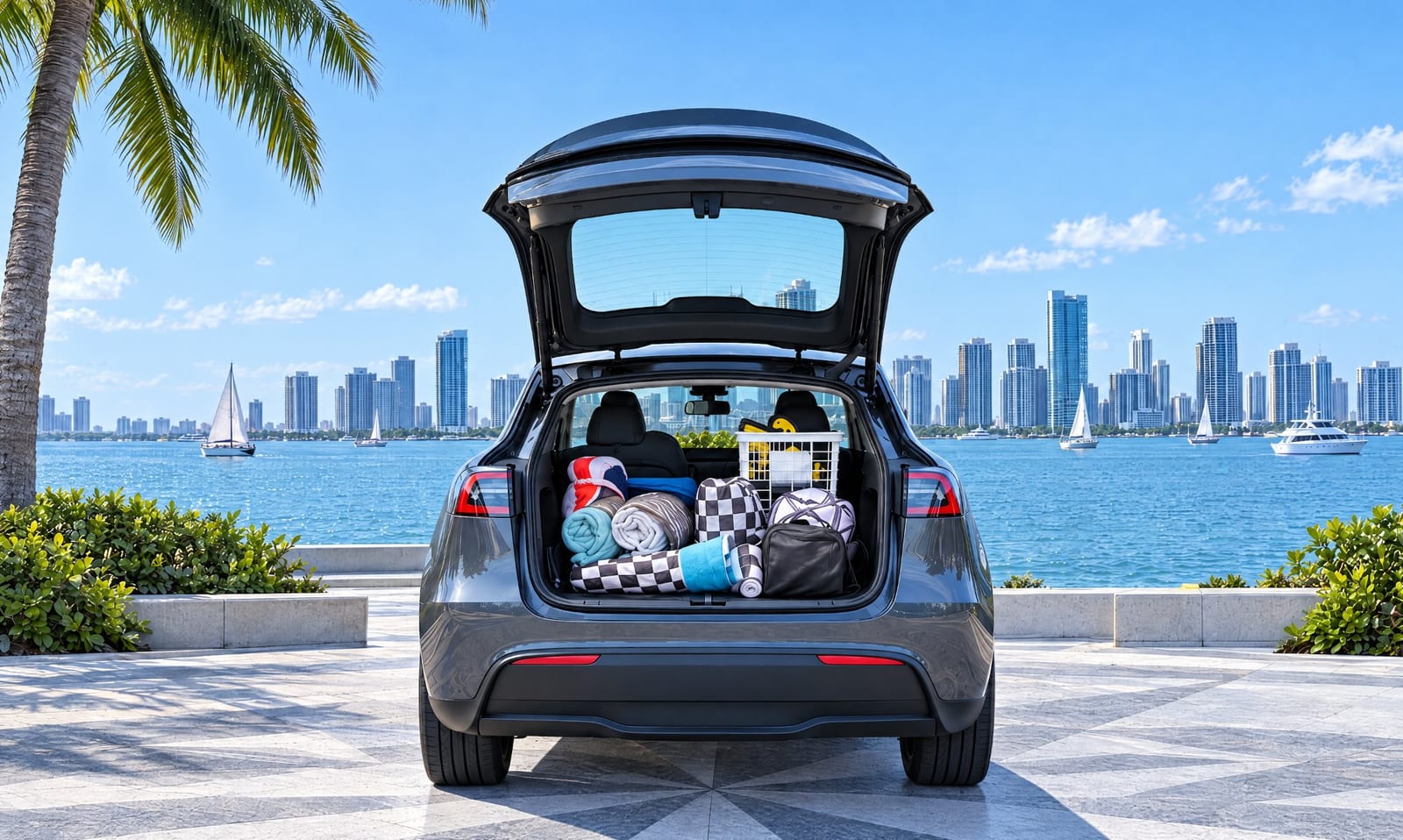
- Exterior Shots: Include front, back, and side views.
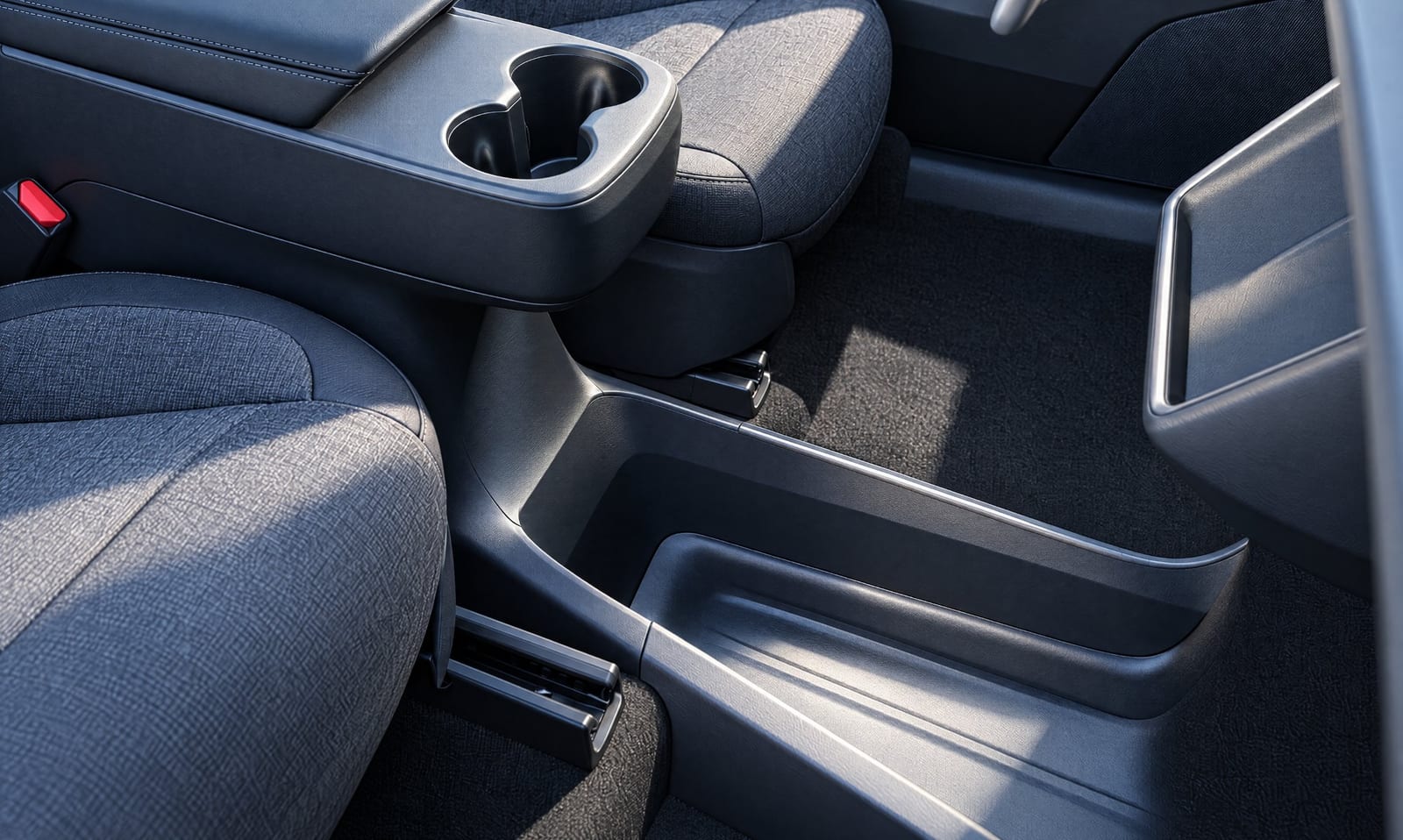
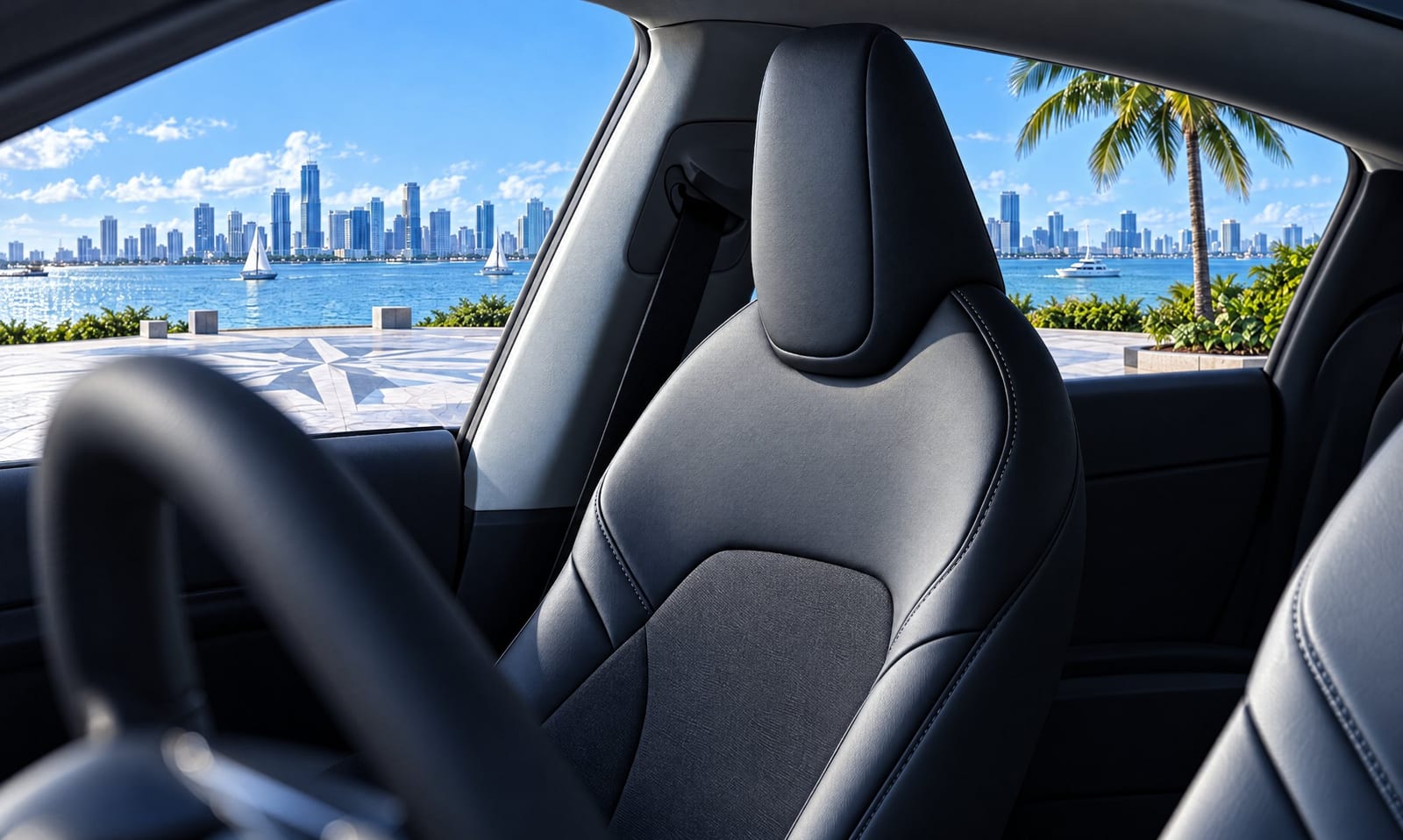
- Interior Shots: Show the dashboard, seats, and controls.
- Detail Shots: Capture wheels, lights, and any unique features.
- Condition Photos: Honestly depict any wear or damage.
- Clean Backgrounds: Ensure photos have uncluttered backgrounds.
- Good Lighting: Use natural light or ensure photos are well-lit.
If getting the perfect lighting or cleaning up backgrounds is the hard part, Shoturo's photo enhancer and virtual studio are here to help. See Shoturo pricing. See Shoturo pricing
Shoturo · shoturo.com · julio@shoturo.com
Enhance Your Car Photos Today
Visit Shoturo to change backgrounds and fix lighting for better listings.